Your currency. Your wording.
Supports USD, CAD, EUR, GBP and UAH, with English wording for whole amounts and cents.
A SMALL TOOL FOR EVERYDAY CONFIDENCE
Write your next cheque without second guessing the amount. Turn numbers into clear English words, then copy or share in a tap.
Web app available · iOS awaiting App Store review
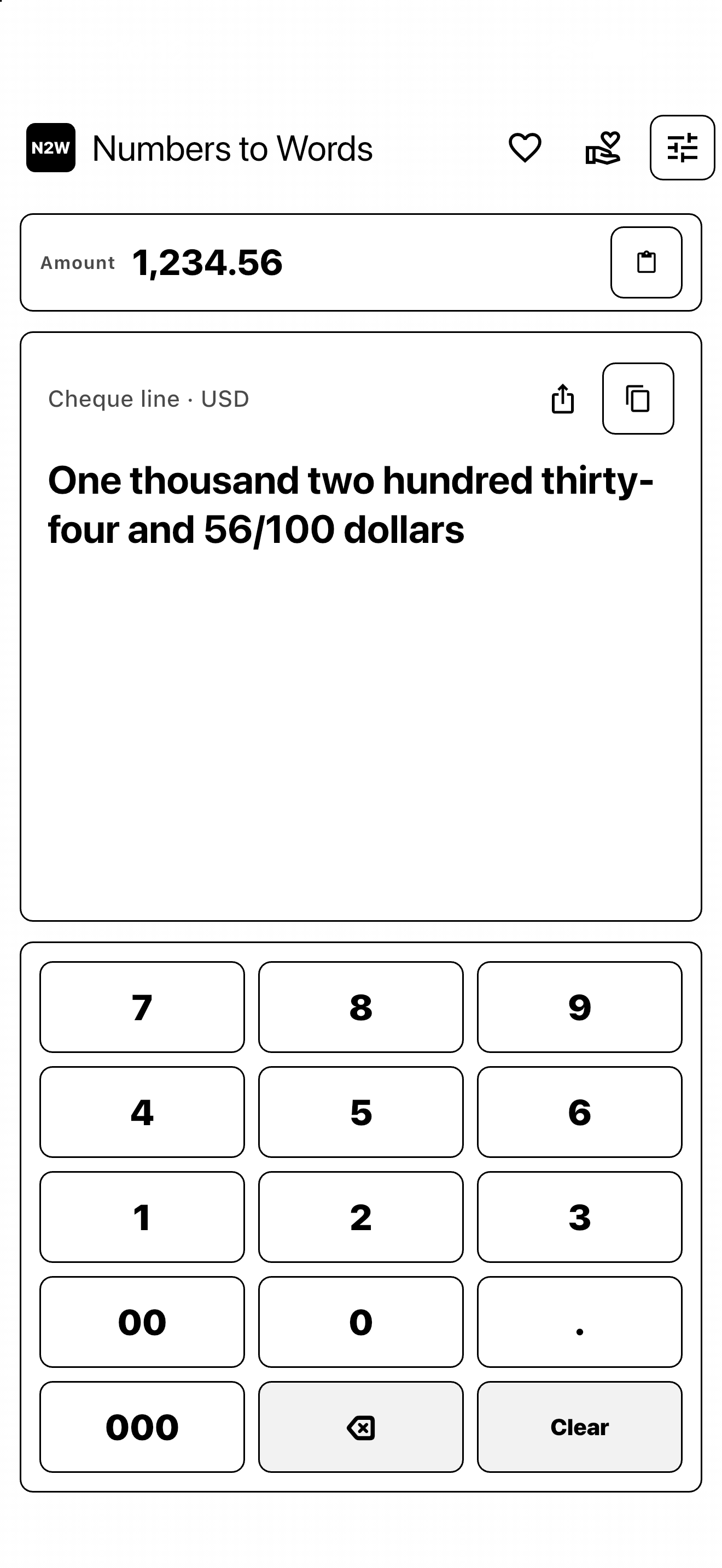
1,234.56 USD
One thousand two hundred thirty-four
and 56/100 dollars
JUST THE USEFUL PARTS
Supports USD, CAD, EUR, GBP and UAH, with English wording for whole amounts and cents.
Enter an amount with the keypad or paste it in. Copy the result or open the familiar iOS share sheet.
Made for iPhone and iPad, with portrait and landscape layouts plus light and dark themes.
Conversion happens on your device. No account, advertising or analytics SDKs. No connection needed to convert.
WHY I BUILT IT
“I write cheques almost every day. I used another app to spell out the amounts without mistakes, but it showed me an ad every time. Eventually, I’d had enough.”
So I built N2W: a straightforward way to get the words you need, without an ad getting in the way.
A LITTLE MORE ROOM
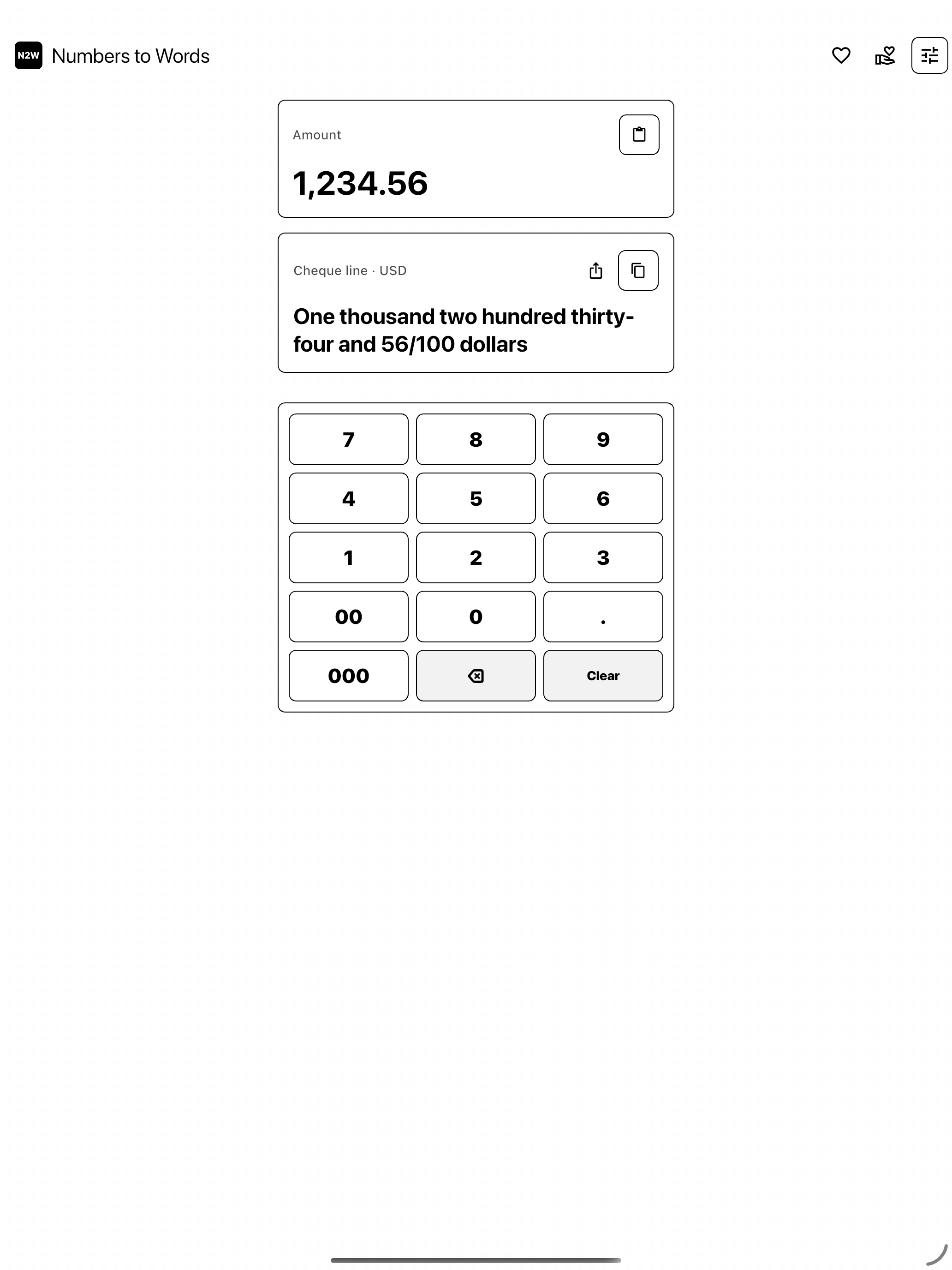
The same simple workflow, on a bigger screen.
ALMOST AT THE STARTING LINE
All conversion features are free. Optional one-time tips let you support development. No subscription in the first release.
App Store review in progress. N2W has been submitted to Apple. Public download will be available after approval and release.
A FEW QUICK ANSWERS
The web app is ready: open N2W in your browser. The iPhone and iPad app is waiting for Apple’s review. Its download link will appear after release.
The iPhone and iPad app converts offline. The web app needs internet to load, then converts locally in your browser. Purchases and external links need an internet connection.
No. Tips are optional and do not unlock or restrict any conversion features. The submitted version offers one-time support amounts through Apple’s App Store.
The first release writes amounts in English and supports USD, CAD, EUR, GBP and UAH.